Custom Dashboards
| Name ↑ | Description | Widgets used | ||
|---|---|---|---|---|
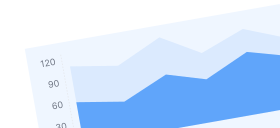
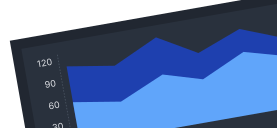
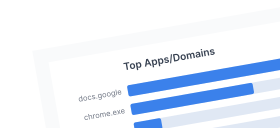
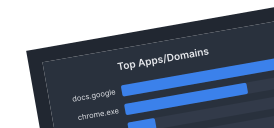
| AI Applications | Track AI tool usage across employees, departments, categories, and domains | AI Category ClassificationTop Apps/DomainsEmployeesTop Reputations+7 |
Preset Dashboards
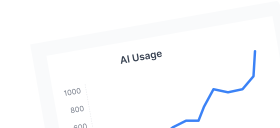
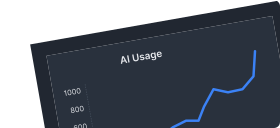
AI Usage Control
A clear view of AI adoption to help refine workflows and secure sensitive information from being shared.
Applications & Websites
See top users, apps, domains, browsers, categories, and detailed access logs.
Behavior Alerts
View alerts by timeline, heatmaps, top violations, risky users, rules, and departments.
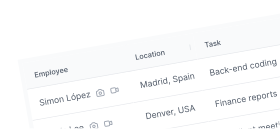
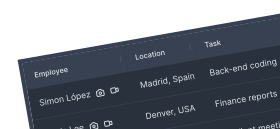
Employee Monitoring
An overview on user activity, web and app usage, behavior rules violations and live users videos.
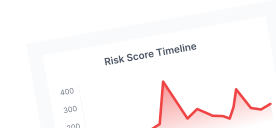
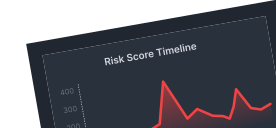
Insider Risk
Provides security teams with real-time visibility into internal threat vectors, behavioral anomalies, and potential data exfiltration.
Live View
Access a user's screen in real-time and view interactions to aid with compliance and productivity.
Overview
An overview on user activity, web and app usage, behavior rules violations and live users videos.
Productivity
Analyze top employees by work time, productivity, idle time, tasks, and activity levels.
Use Case Catalog
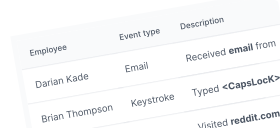
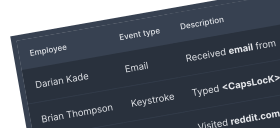
Filter reports based on individuals, event types, and groups for insights on actions across your org
All Events
Filter and generate reports based on individuals, event types, and departments to gain insights on actions taken across your organization.
Audit
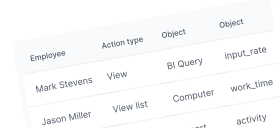
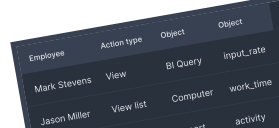
Track admin activities with logs for security, auditing, and compliance monitoring.
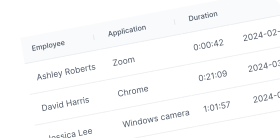
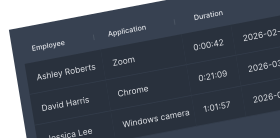
Camera Usage
Track webcam activity by employee, computer, duration, app, and start/stop times.
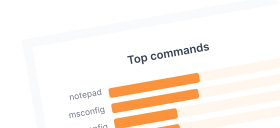
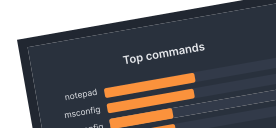
Console Commands
Monitor privileged users' system-level commands to ensure security and prevent misuse.
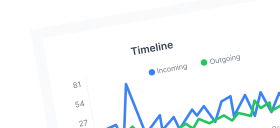
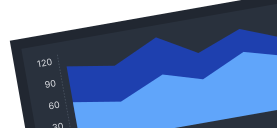
Emails
Monitor emails by employee, attachments, source, destination, top users, and timeline.
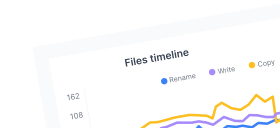
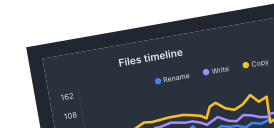
File Events
Monitor file activity by timeline, top users, extensions, events, paths, and descriptions.
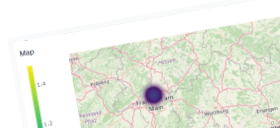
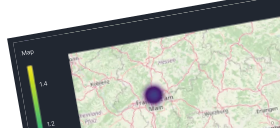
Geolocation
Monitor employee locations for security, attendance, and compliance tracking.
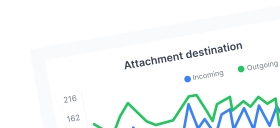
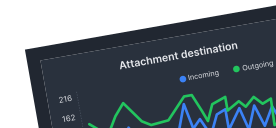
Instant Messages
Track messages by timestamp, employees, direction, timeline, top users, and attachments.
Keystrokes
Monitor and analyze user keystrokes in real-time, filter by employees, keywords, phrases, or special key inputs.
Login Sessions
Track top source computers, IPs, employees, session counts, timelines, and durations.
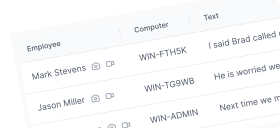
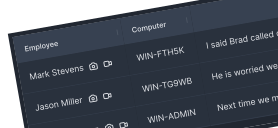
OCR
Search for specific keywords or phrases displayed on a user's screen.
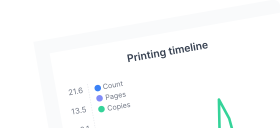
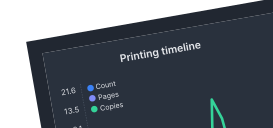
Printing
Monitor printing by computer, document, pages, copies, employee, and timestamp.
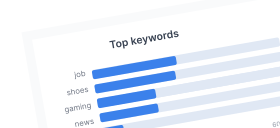
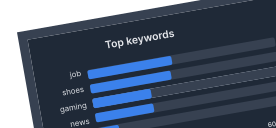
Searches
Track search engines’ searches by employee, computer, phrases, and top keywords.
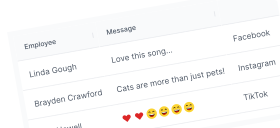
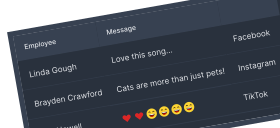
Social Media
Monitor social media channels, actions, messages, employees, and top keywords.
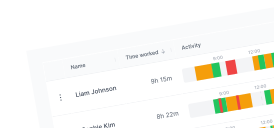
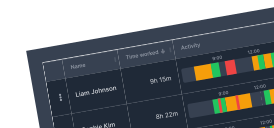
Time Cards
View detailed report of time worked and activity % of the employees.
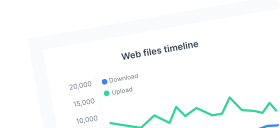
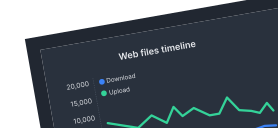
Web File Events
Track file activity within web-based environments by analyzing access patterns, usage timelines, top users, file extensions, and more.
| Name ↑ | Description | Widgets used | ||
|---|---|---|---|---|
| AI Usage Control | A clear view of AI adoption to help refine workflows and secure sensitive information from being shared. | AI Application Usage EventsTop EmployeesTop Apps/Domains+14 | ||
| Applications & Websites | See top users, apps, domains, browsers, categories, and detailed access logs. | Top EmployeesTop Security CategoriesTop Categories TimelineTop Browsers+7 | ||
| Behavior Alerts | View alerts by timeline, heatmaps, top violations, risky users, rules, and departments. | Top EmployeesTop Risky EmployeesAlerts & Risk TimelineTimelineHourly+8 | ||
| Employee Monitoring | An overview on user activity, web and app usage, behavior rules violations and live users videos. | App ClassificationBehavior Rule ViolationsTop App Category+8 | ||
| Insider Risk | Provides security teams with real-time visibility into internal threat vectors, behavioral anomalies, and potential data exfiltration. | File Events Over TimeBehavior Alerts of High Risk EmployeesTop Risky Employees+14 | ||
| Live View | Access a user's screen in real-time and view interactions to aid with compliance and productivity. | SnapshotsLive PlayerOnline Employees | ||
| Overview | An overview on user activity, web and app usage, behavior rules violations and live users videos. | Live UsersActivityApp UsageLive MontageList of Behavior Rule Violations+2 | ||
| Productivity | Analyze top employees by work time, productivity, idle time, tasks, and activity levels. | Performance comparisonAvg Productivity %Office B EngagementWork Related Time+44 | ||
| Use Case Catalog | Filter reports based on individuals, event types, and groups for insights on actions across your org | Live MontageBehavior RulesWeb Pages+117 | ||
| All Events | Filter and generate reports based on individuals, event types, and departments to gain insights on actions taken across your organization. | |||
| Audit | Track admin activities with logs for security, auditing, and compliance monitoring. | |||
| Camera Usage | Track webcam activity by employee, computer, duration, app, and start/stop times. | |||
| Console Commands | Monitor privileged users' system-level commands to ensure security and prevent misuse. | Top CommandsTimelineHourly | ||
| Emails | Monitor emails by employee, attachments, source, destination, top users, and timeline. | DestinationsTop EmployeesTop EmployeesMail ClientsTop Source Domains+12 | ||
| File Events | Monitor file activity by timeline, top users, extensions, events, paths, and descriptions. | Top File ExtensionsTimelineTop Employees | ||
| Geolocation | Monitor employee locations for security, attendance, and compliance tracking. | Map | ||
| Instant Messages | Track messages by timestamp, employees, direction, timeline, top users, and attachments. | DestinationsIncoming Attachments HeatmapMail ClientsTop Employees+7 | ||
| Keystrokes | Monitor and analyze user keystrokes in real-time, filter by employees, keywords, phrases, or special key inputs. | Top ReputationsTop CategoriesTimelineHeatmapTop Security Categories+1 | ||
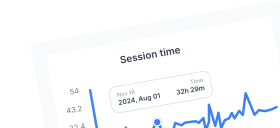
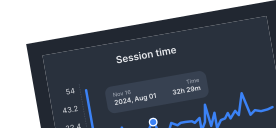
| Login Sessions | Track top source computers, IPs, employees, session counts, timelines, and durations. | Session TimeTop EmployeesTop Source ComputersSession Count Timeline+2 | ||
| OCR | Search for specific keywords or phrases displayed on a user's screen. | |||
| Printing | Monitor printing by computer, document, pages, copies, employee, and timestamp. | Top EmployeesHourlyTimeline | ||
| Searches | Track search engines’ searches by employee, computer, phrases, and top keywords. | Top KeywordsTimelineTop EmployeesTop Sites | ||
| Social Media | Monitor social media channels, actions, messages, employees, and top keywords. | Top EmployeesTop KeywordsTimeline | ||
| Time Cards | View detailed report of time worked and activity % of the employees. | |||
| Web File Events | Track file activity within web-based environments by analyzing access patterns, usage timelines, top users, file extensions, and more. | TotalTimelineTop EmployeesTop File Extensions+7 |